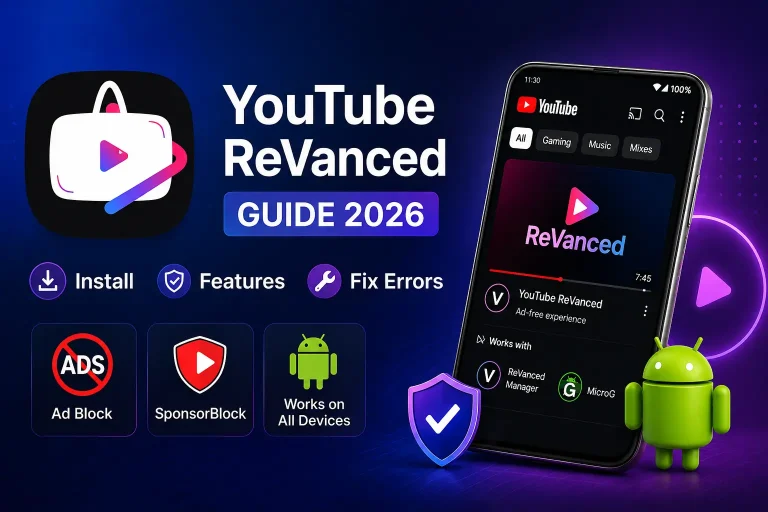
How to Install YouTube ReVanced Without Root (2026)
Are you tired of YouTube ads? Every few minutes, an ad pops up and breaks your flow. It is really frustrating. I felt the same way. That is why I started looking for a solution and found YouTube ReVanced. This YouTube ReVanced APK download guide will show you everything step by step for free on any Android device in 2026.
Today I am going to show you exactly how to install it on your Android phone. No root needed. No technical skills needed. It is completely free and takes only 5 minutes.
I have installed it myself, and trust me, it is much easier than it sounds. Just follow the steps below one by one, and you will be done before you know it.
First, What is YouTube ReVanced?
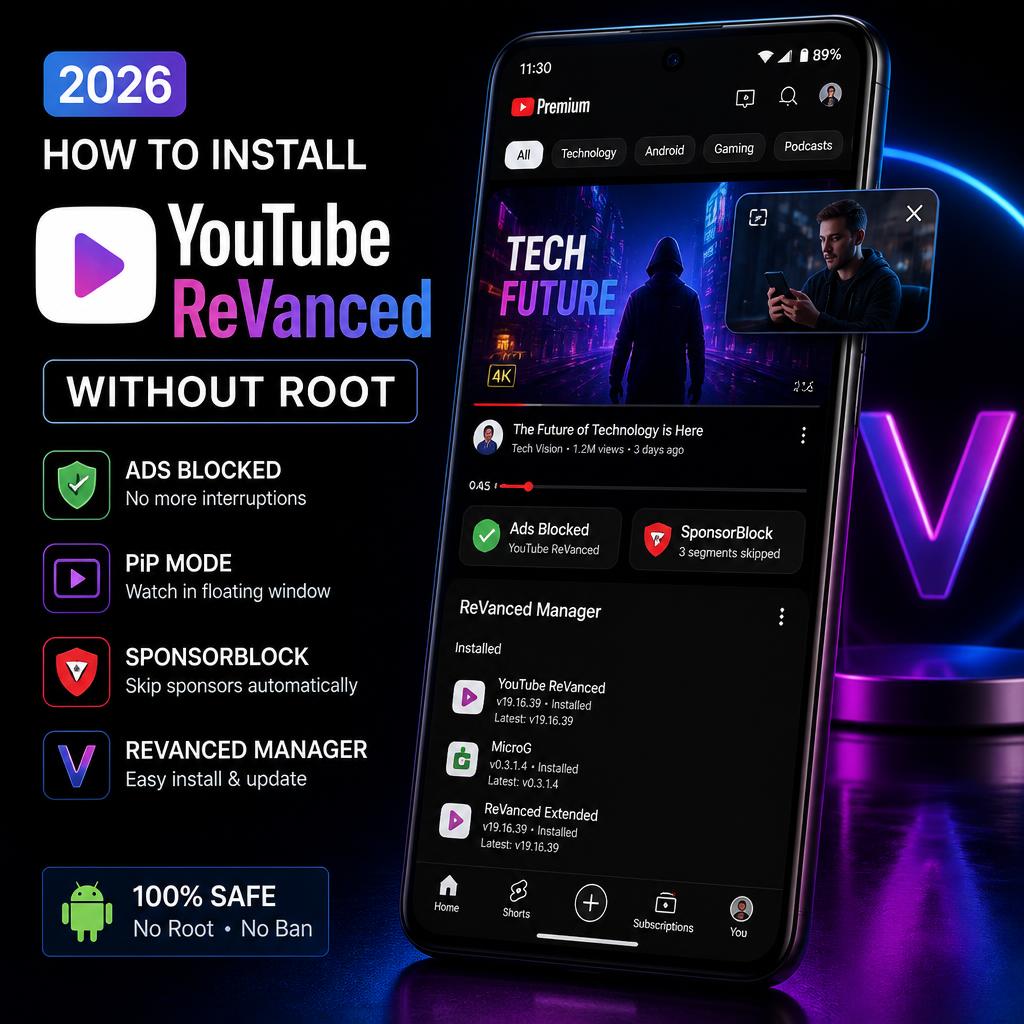
YouTube ReVanced is an ad-free YouTube Android app for 2026. It looks exactly like YouTube but without any ads. It also has extra features that even YouTube Premium does not offer.
YouTube Premium costs $14 every month. That is a lot of money every month. But ReVanced gives you the same features for free. You pay nothing at all. Not today. Not ever. Completely free forever.
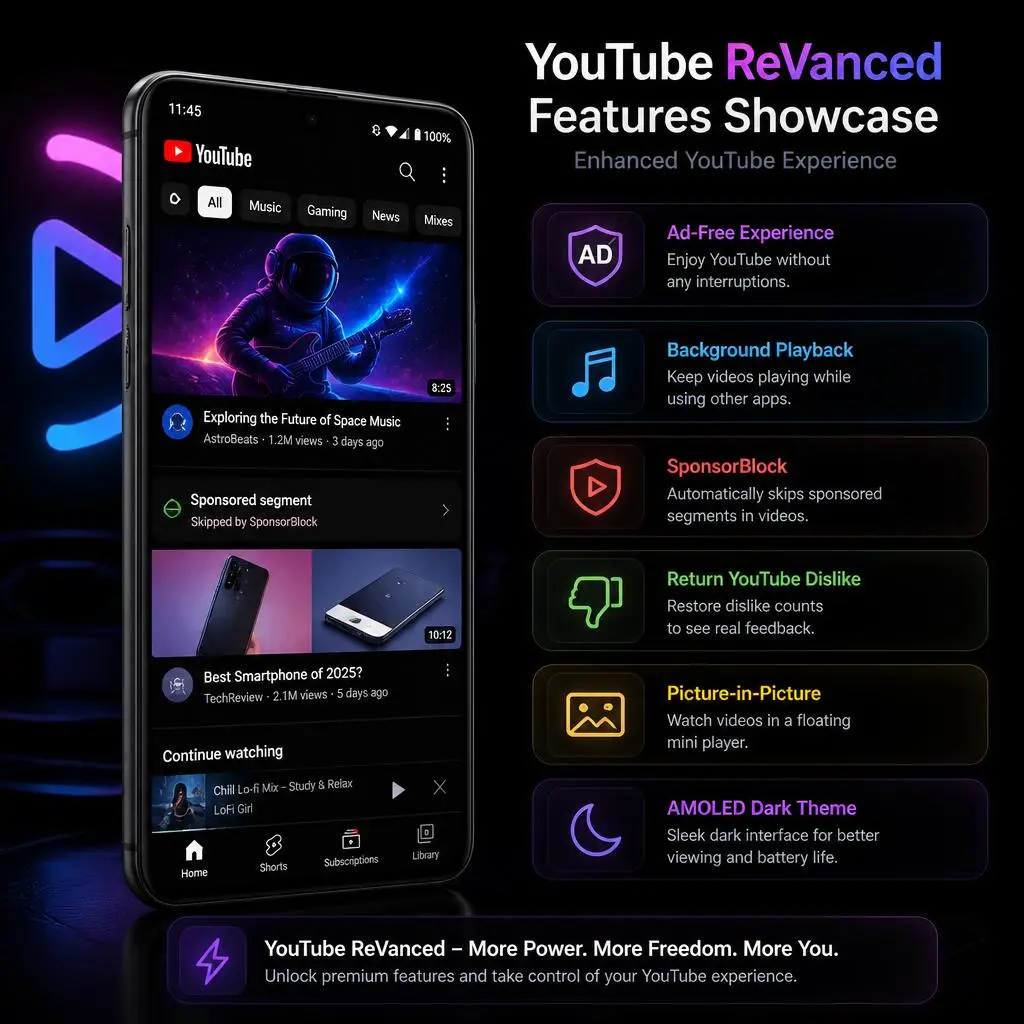
First, What is YouTube ReVanced?
No Ads — Like, Zero
Not even 5-second skippable ads. Nothing.
Background Play —
Play YouTube videos when your phone screen is off. Perfect for music and podcasts.
SponsorBlock —
This automatically skips sponsored segments inside videos. You know when a YouTuber says “this video is sponsored by…” — ReVanced skips that part automatically.
Return YouTube Dislike
YouTube removed the dislike count. ReVanced brings it back so you can see how many people disliked a video.
AMOLED Dark Mode
Pure black theme that saves battery on AMOLED screens.
Picture in Picture
Watch YouTube in a small floating window while using other apps.
What You Need Before You Install YouTube ReVanced Without Root
Do not skip this part. These three things are a must-have before you begin.
1. Android Phone —
Your phone must be Android 8.0 or higher. Go to Settings, About Phone, and check your Android version. If it is 8.0 or above, you are good.
2. ReVanced Manager APK
This is the main tool. It takes your YouTube app and patches it with all the good features. Always download it from the official ReVanced website. Do not download from any other website. Fake websites can harm your phone.
3. MicroG APK —
This is a small helper app. Without it, you cannot sign in to your Google account inside ReVanced. It must be installed before ReVanced.
4. Stable Internet —
The patching process downloads some files. Make sure your WiFi or data is working properly.
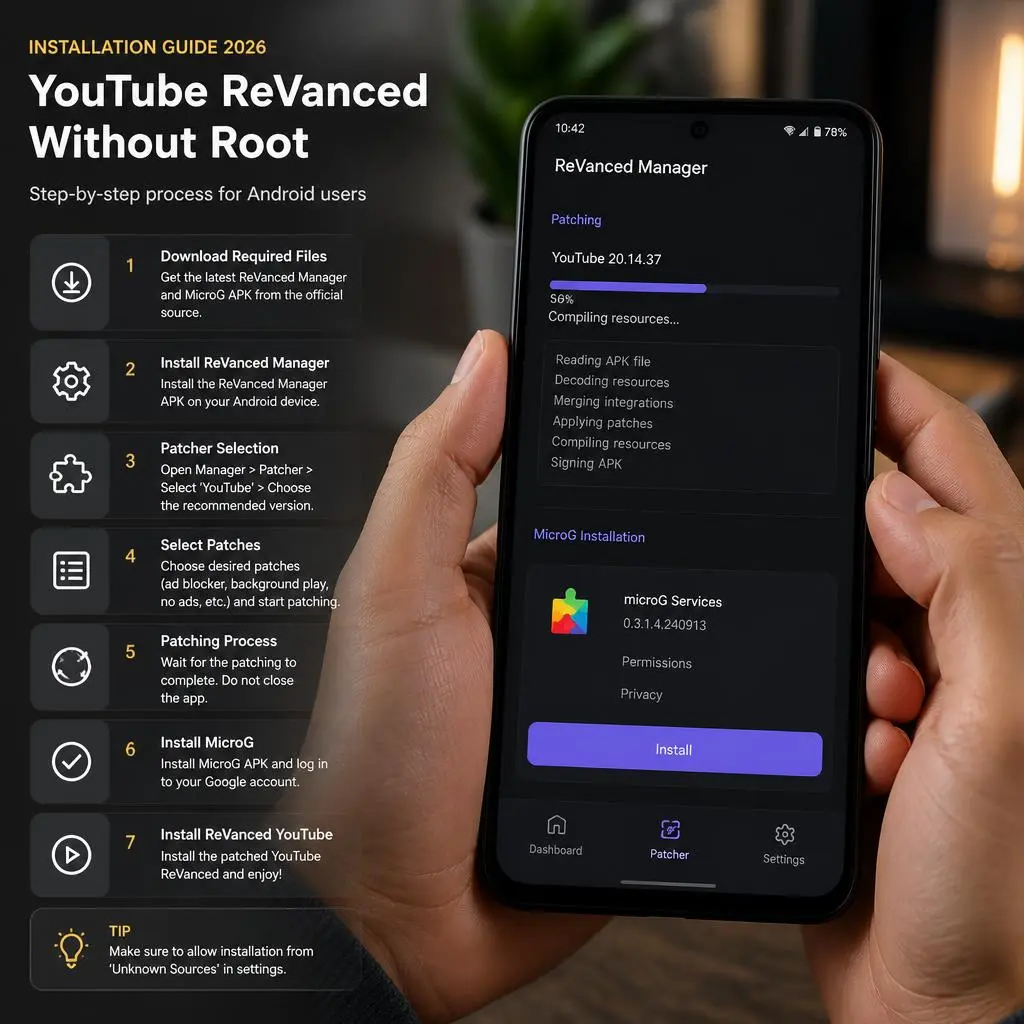
How to Install YouTube ReVanced Without Root (Step-by-Step Guide)
Step 1 — Allow Unknown Apps
Android phones do not allow apps from outside the Play Store. We need to turn this on first. It is simple and takes only 10 seconds.
Go to Settings → Security → Install Unknown Apps.
Find your browser or file manager in the list and turn on the permission. This allows you to install APK files.
Step 2 — Download and Install MicroG First
This step is very important. Most people make the mistake of installing ReVanced first. Always install MicroG first.
Download MicroG APK. Open it from your downloads folder. Tap Install. Done.
Step 3 — Download ReVanced Manager
Now download ReVanced Manager APK from the official source. Open it from your downloads and tap Install.
Step 4 — Open ReVanced Manager
Open the app. You will see a clean, simple screen. At the bottom, you will see tabs. Tap on Patcher.
Step 5 — Select YouTube
Tap Select an Application. A list will appear. Choose YouTube from the list. ReVanced Manager will find the right YouTube version on your phone. You do not need to do anything.
If YouTube does not appear, you may need to download a specific YouTube APK version. ReVanced Manager will tell you which version it needs.
Step 6 — Select Patches
Tap Select Patches. You will see a long list of patches.
If you are a beginner, just tap Default at the top. This will select all the best patches. You do not need to choose anything yourself.No need to choose manually.
Step 7 — Start Patching
Tap the big Patch button at the bottom. Now wait. The process usually takes 2 to 4 minutes depending on your phone speed.
Very important — do not close the app.
Do not press the Home button. Let it finish completely.
You will see a progress bar moving. When it says Patching Succeeded you are done.
Step 8 — Install the Patched App
Tap the Install button. Your phone will ask for permission. Tap Allow or Install.
Wait for the installation to complete. It will take about 30 seconds.
Step 9 — Open and Sign In
Open YouTube ReVanced. Tap your profile picture at the top right. Tap Sign In.
A MicroG screen will appear. Enter your Google email and password. You are now signed in.
Congratulations! You now have ad-free YouTube on your phone. 🎉
Common Problems and Their Solutions
These are the most common issues people face. Check here if something goes wrong.
Problem — App is not installing.
You probably forgot to enable Unknown Sources. Go back to Step 1 and turn it on properly.
Problem — Cannot sign in to Google.
MicroG is either not installed or installed incorrectly. Uninstall it and install it again fresh. Then try signing in.
Problem — Videos are not loading or buffering too much.
Go to Settings, find Apps, then YouTube ReVanced, tap Storage and hit Clear Cache. Restart the app.
Problem — ReVanced Manager shows an error during patching.
Your internet may have dropped during patching. Check your connection and try again from Step 4.
Problem — App crashes when I open it.
Uninstall YouTube ReVanced completely. Restart your phone. Then follow all steps again from the beginning.
Problem — ReVanced Manager cannot find YouTube.
You need a specific version of YouTube APK. Download the version that ReVanced Manager recommends and install it first.
When you compare ReVanced vs YouTube Premium, ReVanced clearly wins for Android users. You get more features for zero cost.
Is YouTube ReVanced Safe to Use?
This is the most common question people ask. Is YouTube ReVanced safe? The answer is yes — it is completely safe.
ReVanced is an open-source project. That means its code is fully public. Any developer in the world can look at the code and check it for viruses or malware. Nothing is hidden.
Millions of people around the world use ReVanced every single day. No one has reported their phone getting hacked or their Google account getting banned.
The only danger is fake websites. Some websites claim to offer ReVanced but actually deliver malware. Always download from the official ReVanced source only.
FAQs
Conclusion
Tube ReVanced is genuinely one of the best apps for Android. No ads, background play, extra features — all for free. And the installation is not difficult at all. Anyone can do it in 5 minutes.
Just remember three things. Install MicroG before ReVanced. Enable Unknown Sources first. And always download from official sources. If you follow this guide step by step, you will have ad-free YouTube running on your phone in no time.o time. Enjoy!
Other Download