ReVanced Manager Patch Failed? 9 Easy Fixes That Actually Work (2026 Guide)
ReVanced Manager Patch Failed? Here’s What’s Actually Going On
If you keep seeing the “Patch Failed” message in ReVanced Manager, it’s normal to feel frustrated and wonder what went wrong. The good news is that this usually doesn’t mean the app is broken.
In most cases, the problem is something simple, such as:
Below, you’ll find the most common causes and fixes in the order you should try them. Start with the first fix and work your way down. Most users solve the problem before reaching Fix 3 or Fix 4.
Quick Answer: Update ReVanced Manager, download the correct YouTube APK, update your patches, and perform a clean installation. This combination fixes the ReVanced Manager Patch Failed error for most users.
Why Does the ReVanced Manager Patch Error Happen?
ReVanced Manager creates a patched version of the original YouTube APK. If one part of the process is old, missing, or doesn’t match the others, the patching process can fail.
This is why many users see a “ReVanced patch failed” message when installing YouTube ReVanced.
The most common reasons are:
Instead of trying random solutions, follow the fixes below one by one.
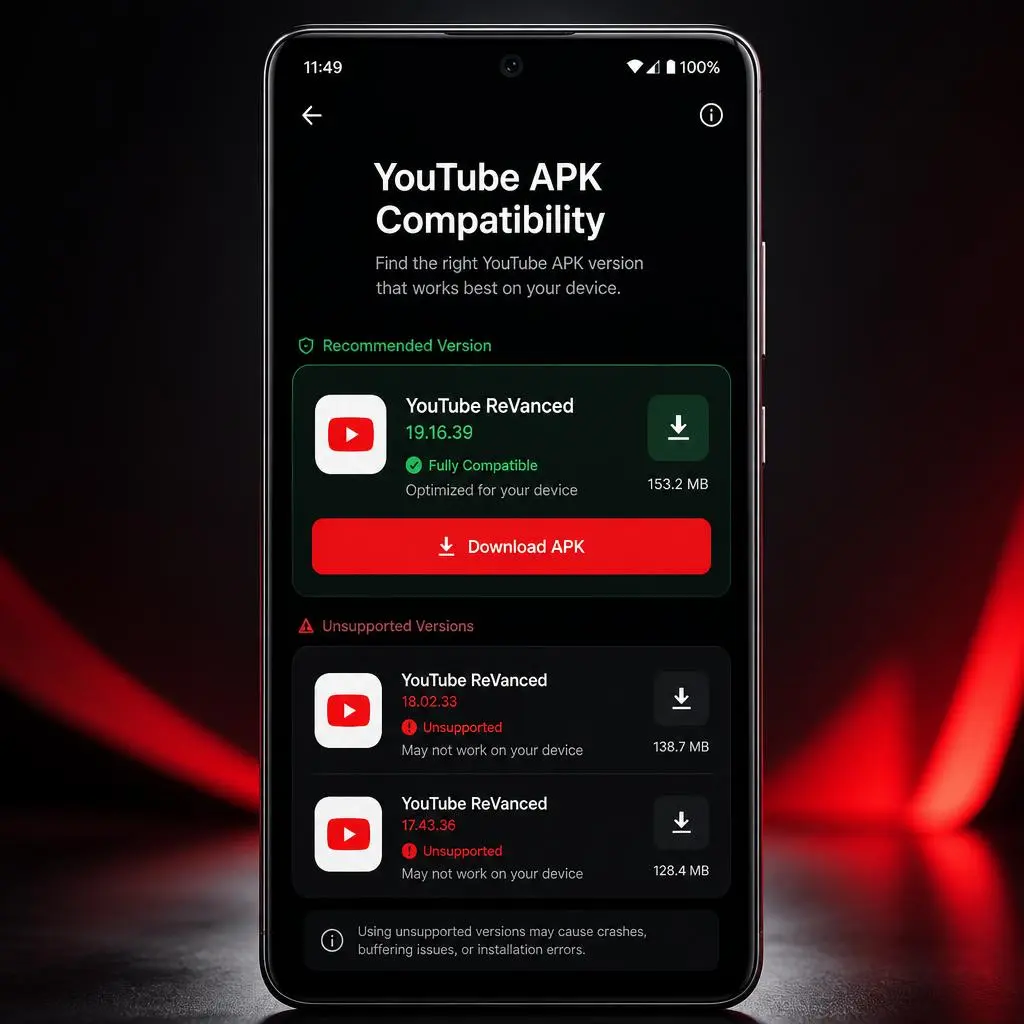
Fix 1: Download the Right YouTube APK Version
This is the most common reason why ReVanced Manager failed to patch the app. Many people accidentally download a split APK or bundle APK without knowing it, and ReVanced Manager cannot patch those file types.
What You Should Do
Downloading the correct YouTube APK fixes the problem for many users and helps avoid patching errors.
Fix 1: Download the Right YouTube APK Version
This is the most common reason why ReVanced Manager failed to patch the app. Many people accidentally download a split APK or bundle APK without knowing it, and ReVanced Manager cannot patch those file types.
What You Should Do
Downloading the correct YouTube APK fixes the problem for many users and helps avoid patching errors.
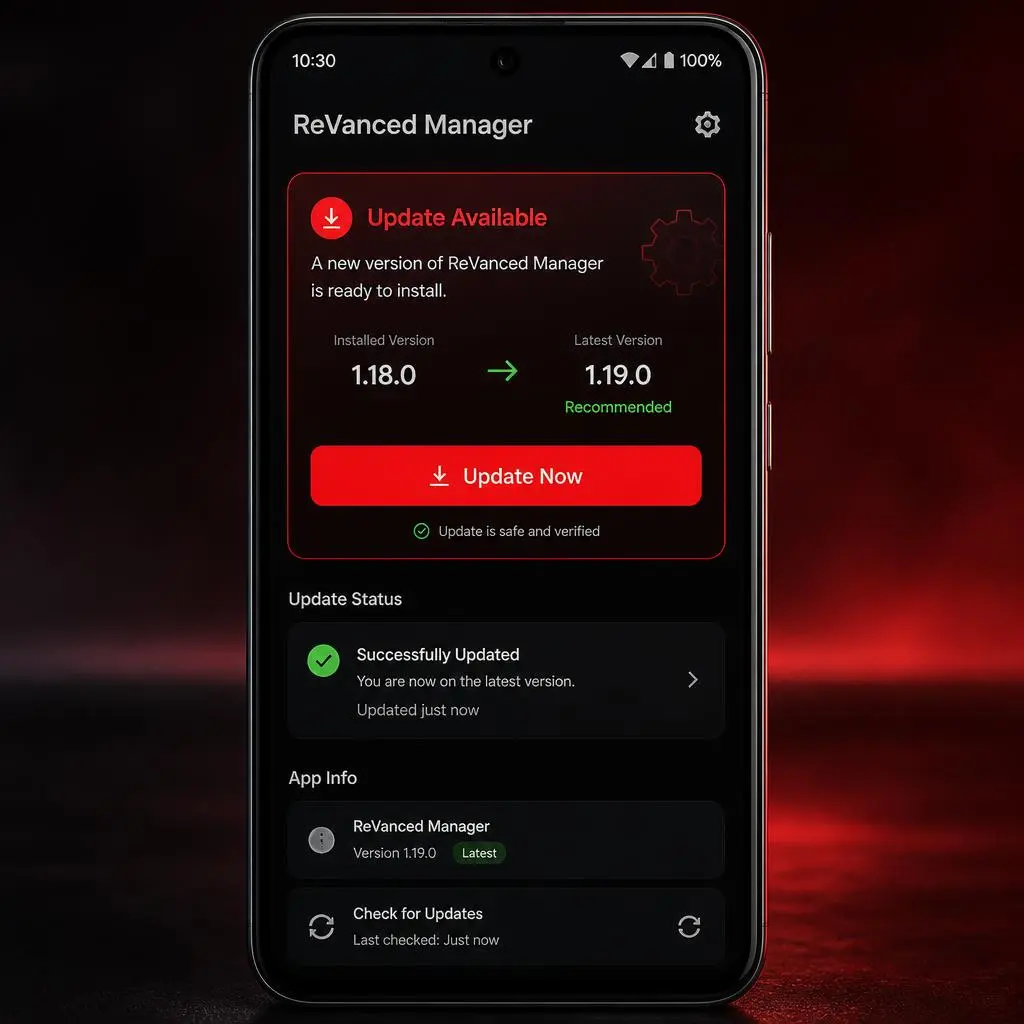
Fix 2: Update ReVanced Manager
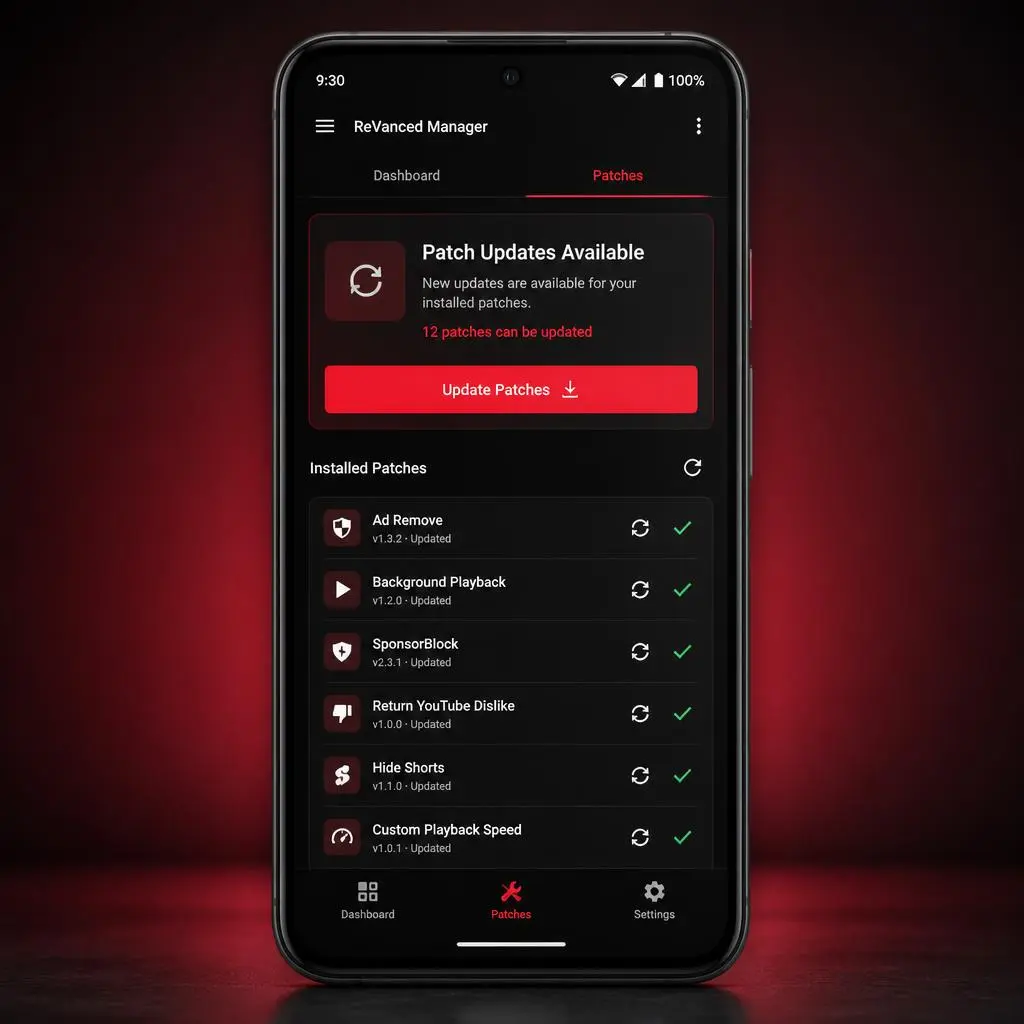
Using an old version of ReVanced Manager can cause problems because it may not support the latest YouTube versions.
Follow these steps:
Updating the Manager fixes most patching-related ReVanced problems and improves compatibility with the newest patches.
Fix 3: Update Your Patches
Updated ReVanced Manager but the patch is still failing?
Follow these steps:
Updating the Manager fixes many patching failed ReVanced problems and improves compatibility with the newest patches.