YouTube ReVanced Buffering Fix 2026 – 7 Solutions That Actually Work
YouTube ReVanced Buffering Fix
Okay, let’s be real — nothing is more annoying than opening YouTube ReVanced and watching that little loading circle spin… and spin… and spin. You just want to watch a video, not stare at a buffering screen all day!
If you are searching for a reliable YouTube ReVanced Buffering Fix, you are in the right place. Don’t worry, though. This happens to many Android users in 2026, and the good news is — it is almost always fixable. Let’s go through each solution one by one.
Why Is YouTube ReVanced Buffering?
Before jumping into fixes, let’s quickly understand what’s causing it. Most of the time, it is one of these:
Now let’s fix it!
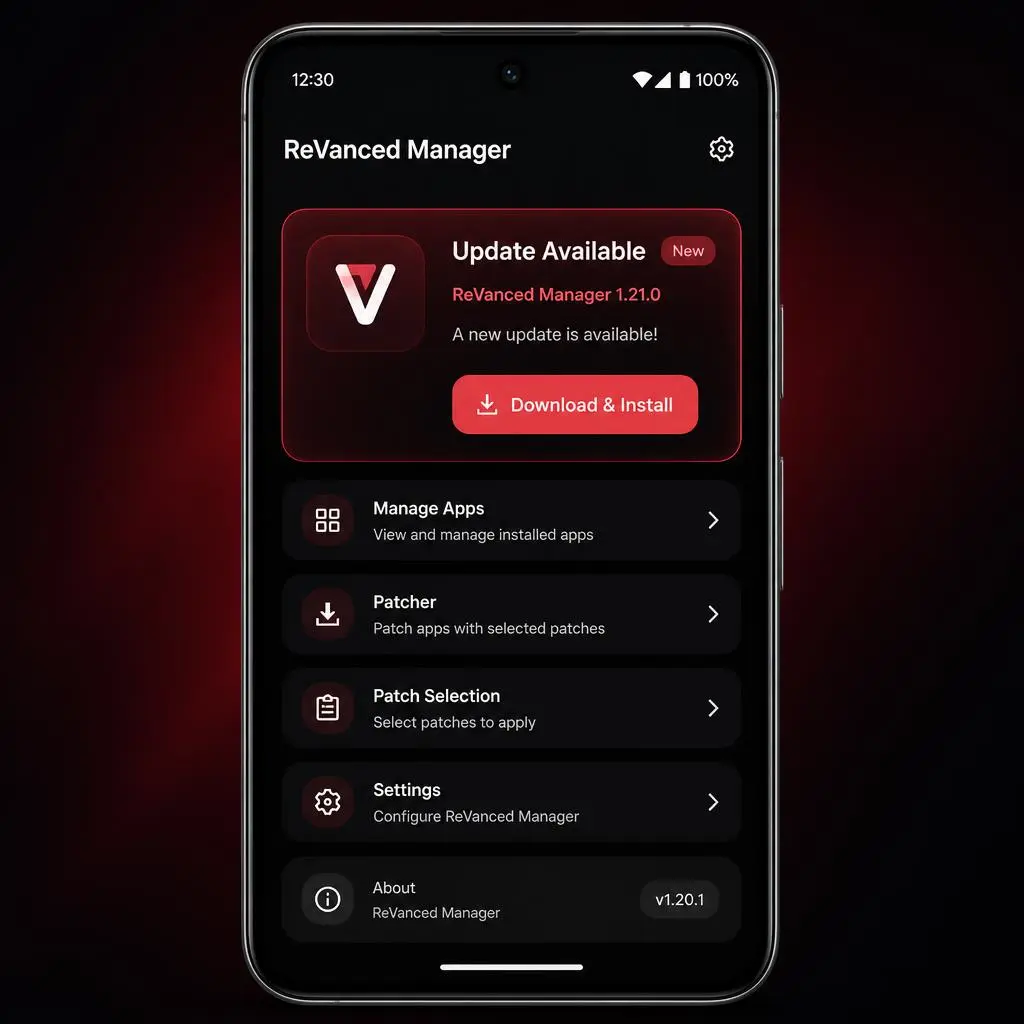
Fix #1: Update ReVanced Manager to Solve YouTube ReVanced Buffering fix
This is the first thing you should always try. An outdated ReVanced Manager causes more problems than you’d think.
Simple as that — this alone fixes buffering for most people!
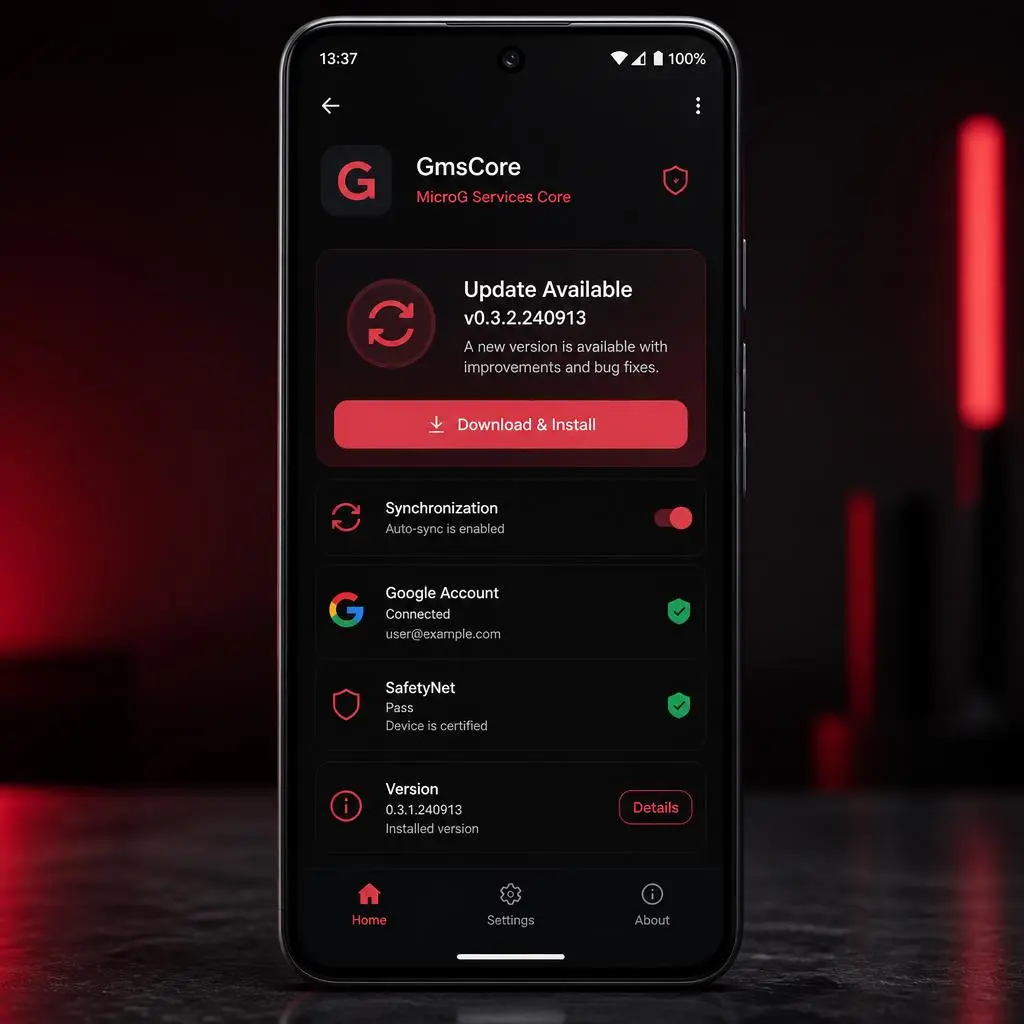
Fix #2: Update GmsCore (MicroG)
If your buffering started right after logging into your Google account, your MicroG is probably outdated.
Trust me, this one is a game changer for login-related buffering!
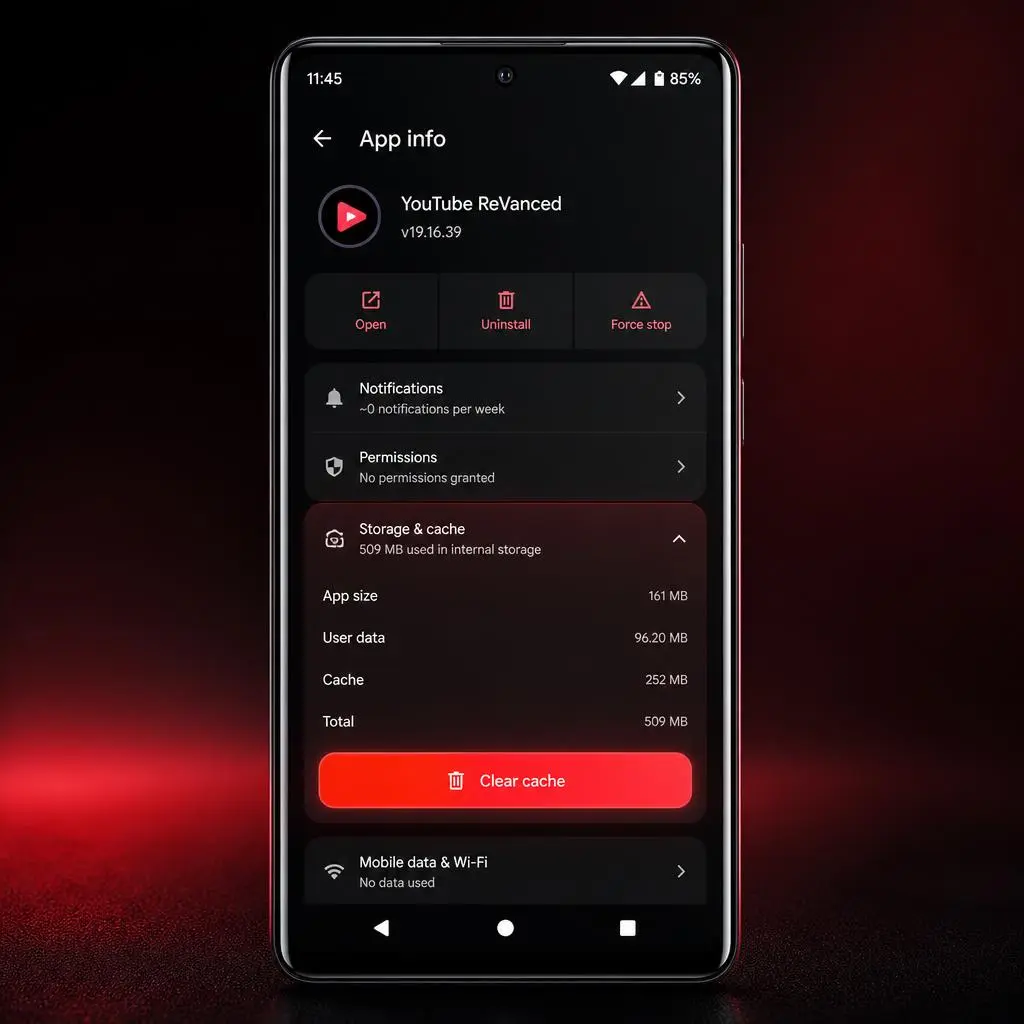
Fix #3: Clear YouTube ReVanced Cache
Old cache files can seriously mess up video playback. Here is how to clear them:
Quick, easy, and surprisingly effective!
If the problem continues, keep following this YouTube ReVanced Buffering Fix guide until the issue is resolved.
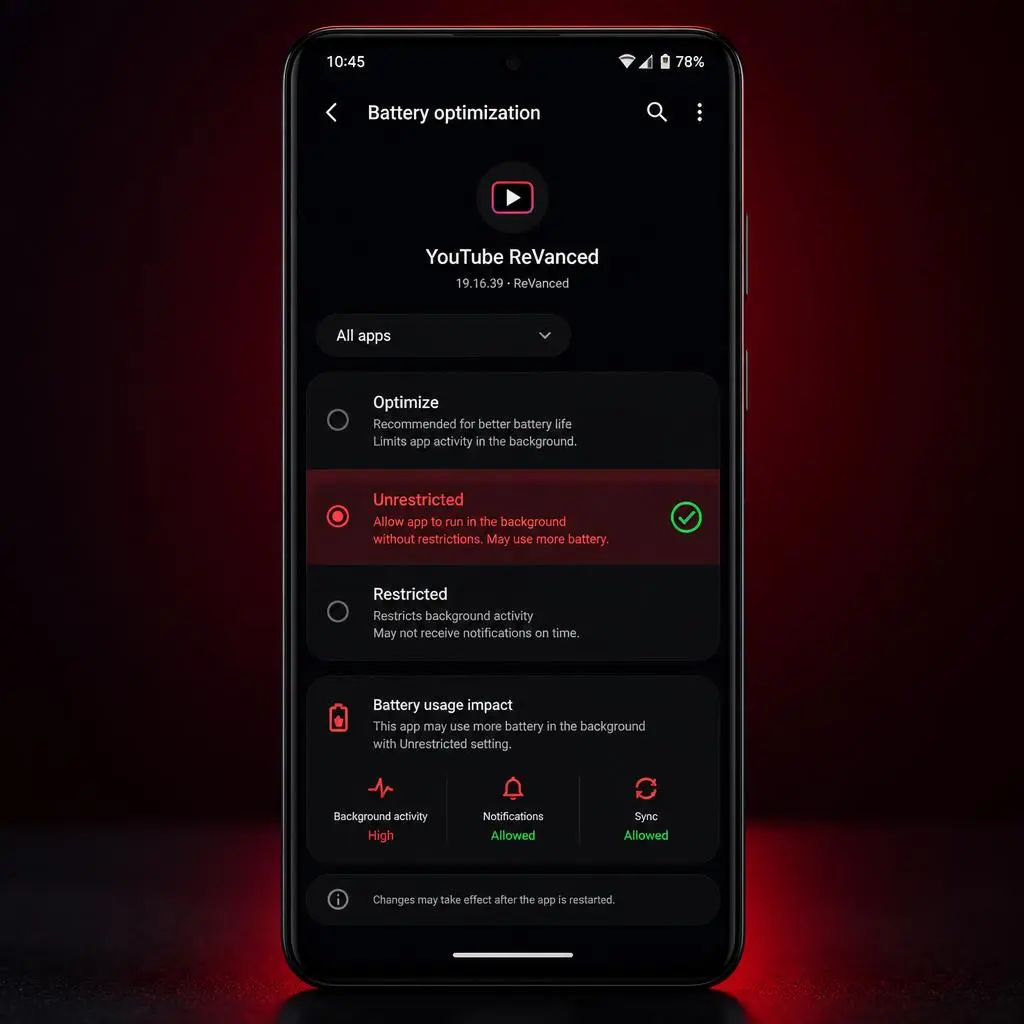
Fix #4: Turn Off Battery Optimization
Your phone might be killing YouTube ReVanced in the background — especially on Samsung, Xiaomi, Vivo, and Oppo devices.
This small change makes a huge difference!
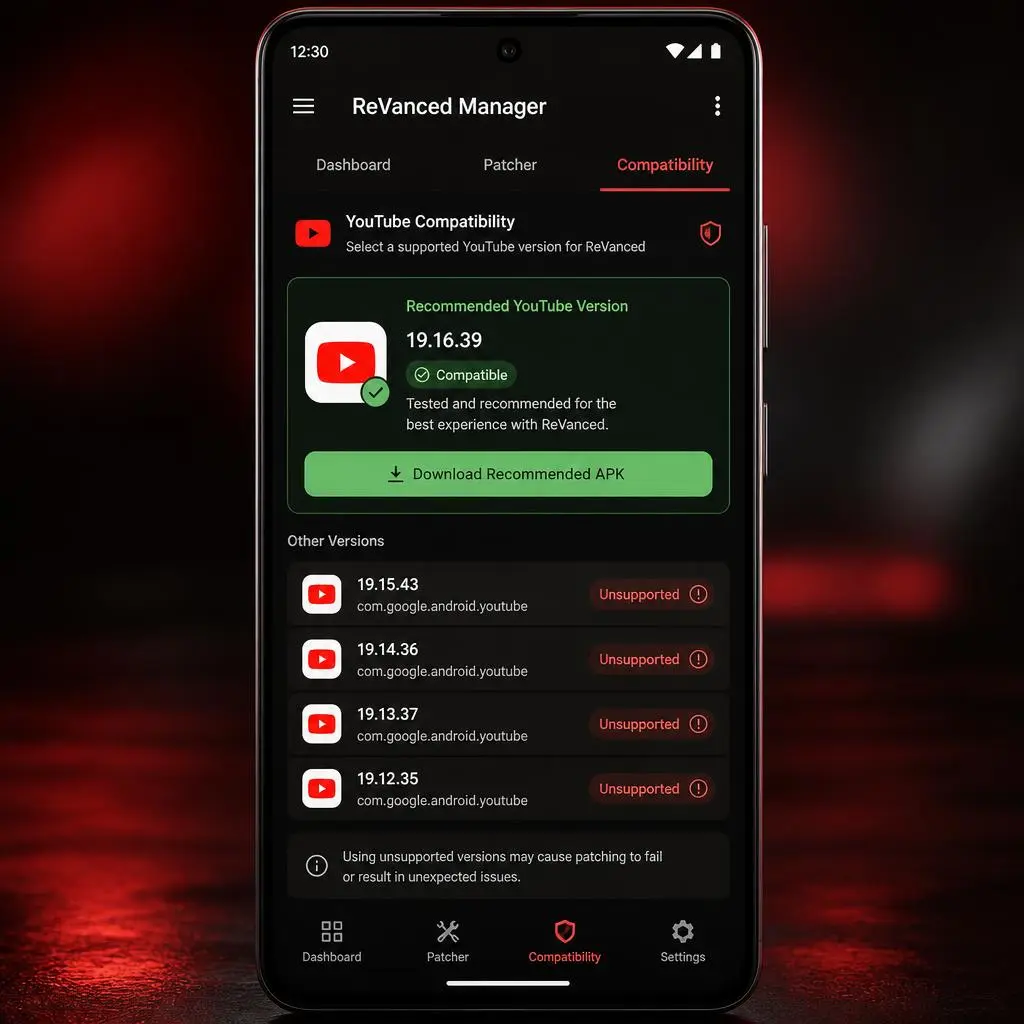
Fix #5: Install the Recommended YouTube APK Version
This is super important — not every YouTube version works with ReVanced. Using the wrong one causes:
Always check ReVanced Manager for the recommended YouTube version and use only that!
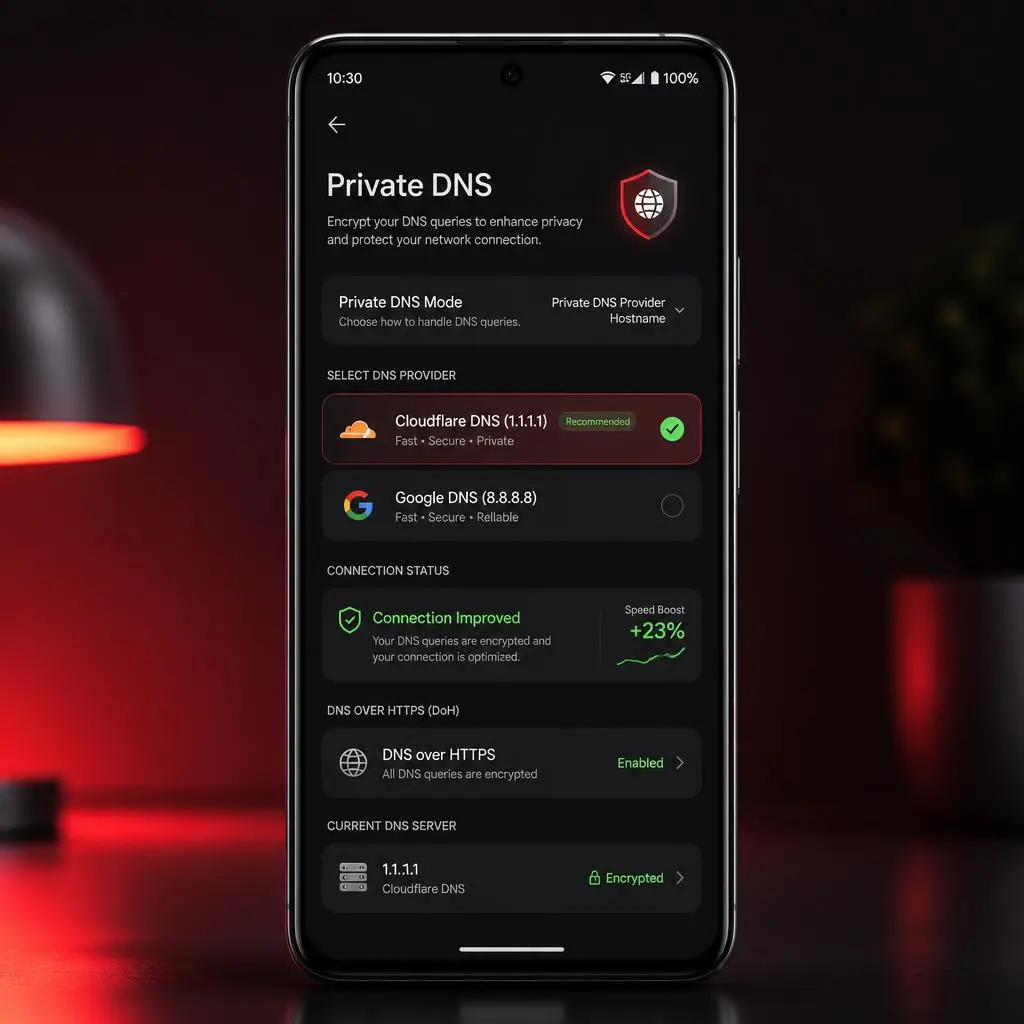
Fix #6: Change DNS Settings
Sometimes your internet DNS is causing the slowdown. Try switching to:
After changing, restart your internet connection and test again.
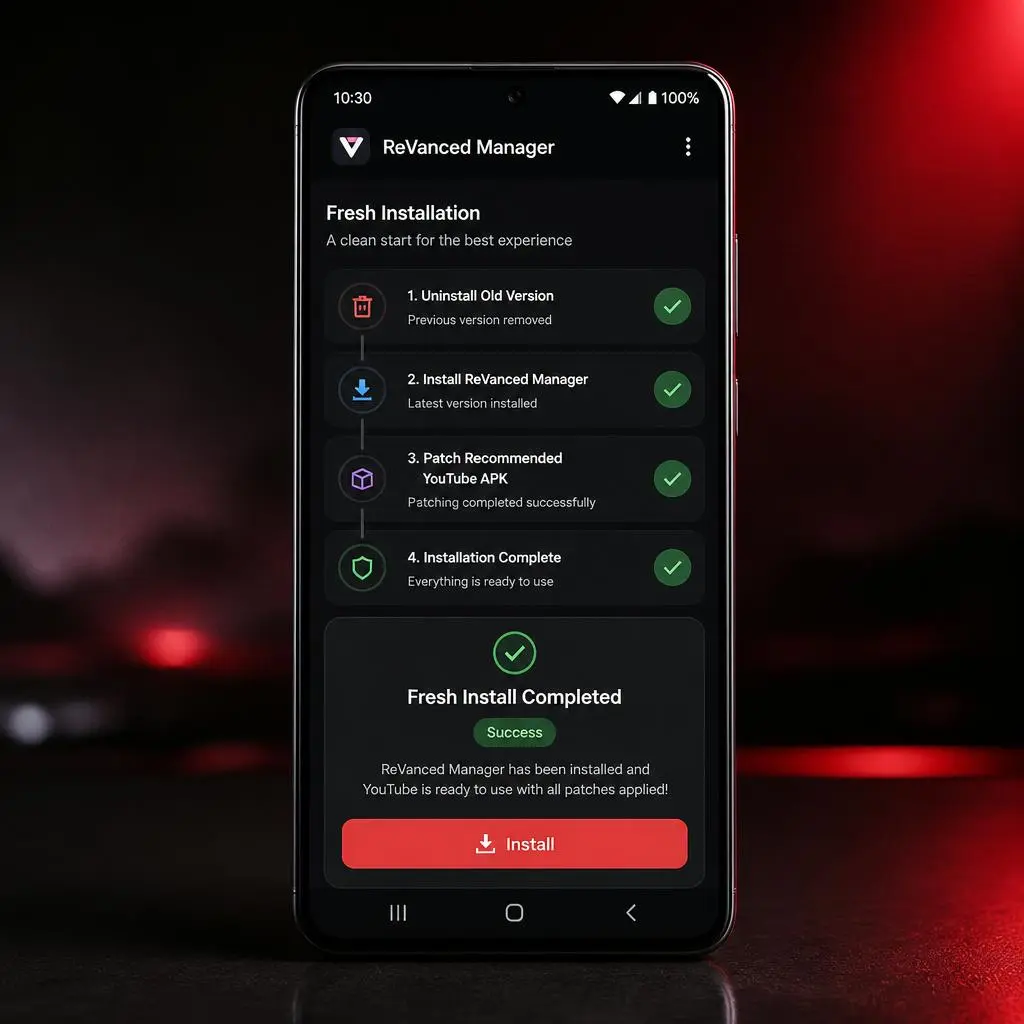
Fix #7: Reinstall YouTube ReVanced Completely
Nothing worked? Okay, let’s start fresh — this almost always works:
A clean install removes every hidden issue causing buffering.
FAQs
Conclusion
We hope this YouTube ReVanced Buffering Fix guide helped you resolve the issue. Keep ReVanced Manager and GmsCore updated for the best experience. This YouTube ReVanced Buffering Fix guide covers the most common solutions. Start from Fix #1 and work your way down. In most cases, one of these fixes will solve the buffering problem.
You can also check the latest ReVanced releases and project updates on the official ReVanced GitHub repository.
Got it working? Drop a comment below and let us know which fix worked for you! 👇
Other Download